1
Download the App
Get MyADHDTracker on your device
MyADHDTracker is available for both iOS and Android devices. Download the app from your device's app store to get started.
iOS (iPhone/iPad)
Requires iOS 15.0 or later
Step by step:
- 1. Open the App Store on your iPhone or iPad
- 2. Tap the Search tab at the bottom
- 3. Type "MyADHDTracker" in the search bar
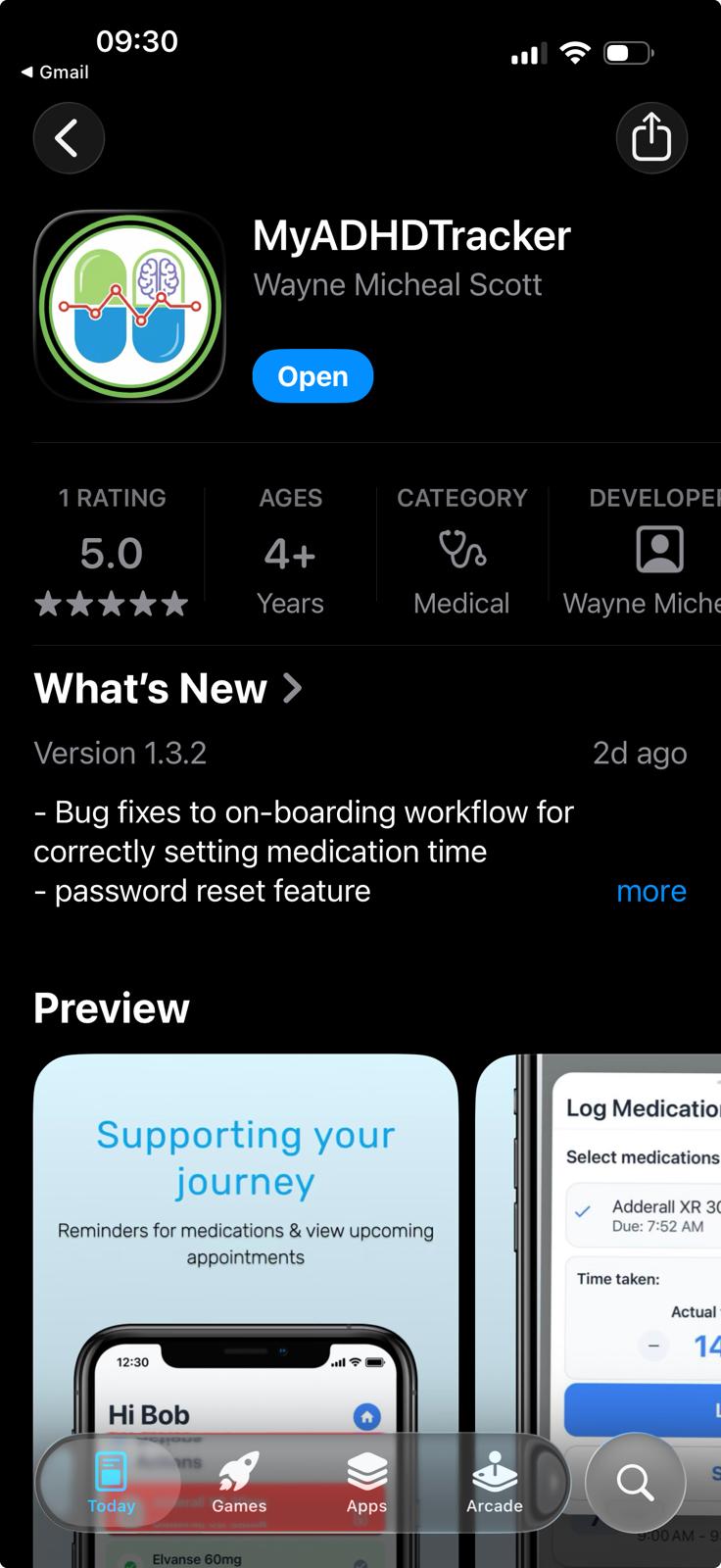
- 4. Tap Get next to the MyADHDTracker app
- 5. Authenticate with Face ID, Touch ID, or your Apple ID password
- 6. Wait for the download to complete, then tap Open
Android
Requires Android 8.0 or later
Step by step:
- 1. Open the Google Play Store on your Android device
- 2. Tap the Search bar at the top
- 3. Type "MyADHDTracker" and press Enter
- 4. Tap on the MyADHDTracker app in the results
- 5. Tap Install and accept any permissions
- 6. Wait for the download to complete, then tap Open